

To keep your marketing emails out of spam, send only to people who asked to hear from you. Authenticate your domain with SPF, DKIM and DMARC, make unsubscribing one click, and write short, mobile-first emails with one clear action. Gmail now requires most of this from bulk senders, so it is no longer optional.
Email still works for Ghanaian businesses because it is the one channel you own. A Facebook page can lose reach overnight and a WhatsApp broadcast list has limits, but your email list stays yours. The catch is that inbox providers have become strict. Since February 2024, Gmail has required everyone sending to personal Gmail accounts to authenticate their mail and keep reported spam rates below 0.3%. Senders of more than 5,000 messages a day must also offer one-click unsubscribe (Google, Email sender guidelines). Here are seven habits that keep your campaigns readable and lawful.
1. Build your list with permission, never by purchase
A bought list is the fastest way to ruin your sending reputation. Google’s guidelines say plainly: do not buy email addresses, and do not email people who did not sign up (Google).
In Ghana there is a legal reason too. The Data Protection Act, 2012 (Act 843) governs how businesses collect and use personal data, and the Data Protection Commission runs a register for organisations that process it. If you collect customer emails, check whether you need to register, and keep a record of how each person signed up.
Good ways to grow a list:
- A sign-up box on your website offering something useful, such as a price list, a guide or a discount code.
- A tick box at checkout, left unticked by default.
- A QR code at your shop counter or event stand linking to the sign-up form.
2. Authenticate your domain before you send anything
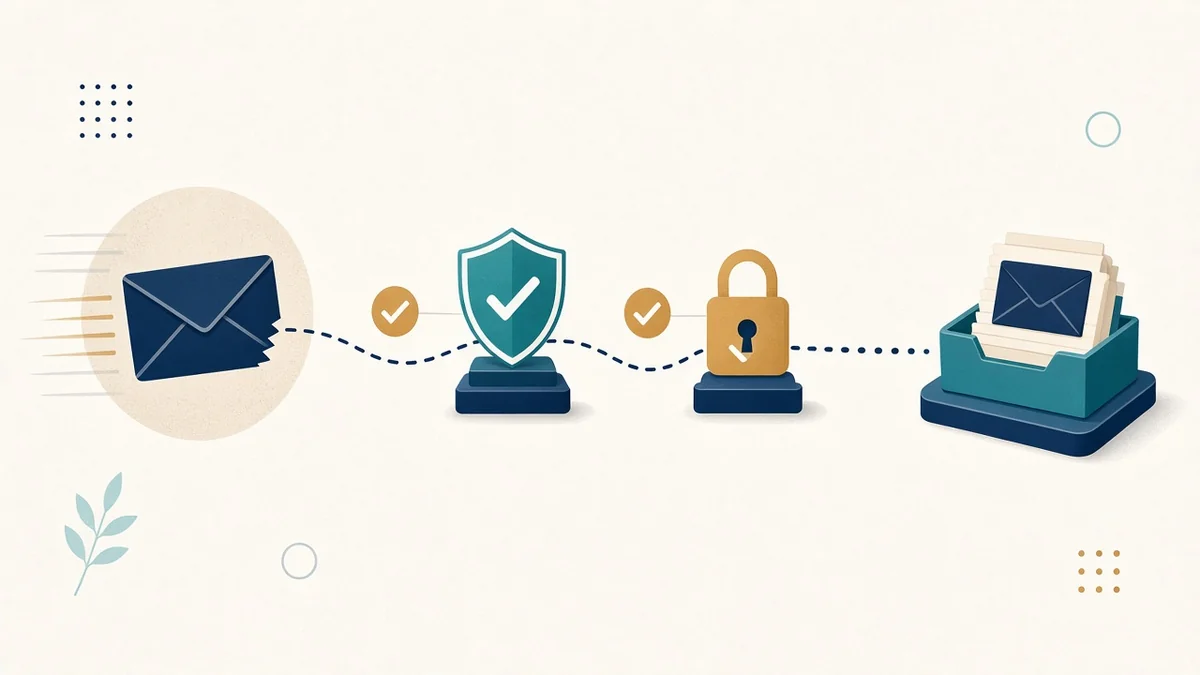 Authentication proves to Gmail, Outlook and Yahoo that your email really comes from you. Without it, your messages are far more likely to land in spam or be rejected.
- SPF lists the servers allowed to send for your domain.
- DKIM adds a digital signature to each message.
- DMARC tells receiving servers what to do when a message fails those checks. Gmail requires a DMARC record from bulk senders, though the policy can start at “none” (Google).
These are DNS records, set up once at your domain provider. If you send from a mailing platform, its help pages will give you the exact records to add. Send from your own domain ([email protected]), not a free Gmail address.
3. Make unsubscribing easy
It feels backwards, but an easy unsubscribe protects you. People who cannot find the link press “Report spam” instead, and those reports damage your reputation with every inbox provider. Put a visible unsubscribe link in every marketing email. Most mailing platforms also add the one-click unsubscribe header that Gmail requires for bulk senders.
4. Write for a phone screen
 Most Ghanaians go online by phone. In October 2026, StatCounter measured 68% of web traffic in Ghana on mobile devices (StatCounter). Your email will probably be read on a mid-range Android phone, often on mobile data.
- Subject line: short and specific. “New school uniforms in stock: order by Friday” beats “Newsletter #14”.
- Preview text: use the line after the subject to add a reason to open.
- Body: one main message, short paragraphs, and a single large button.
- Images: compress them, and never put your key message only inside an image. Many people read with images turned off.
5. Send a predictable mix: useful first, selling second
People stay subscribed when emails are worth opening. A simple rule: for every promotional email, send one that helps. That might be a how-to, an answer to a common question, or a behind-the-scenes look at how you work.
Pick a rhythm you can keep, such as every two weeks or monthly, and stick to it. Google also advises sending at a steady rate and increasing volume gradually, rather than sudden blasts to a list you have not emailed in months (Google).
6. Link every offer to a page that lets people pay
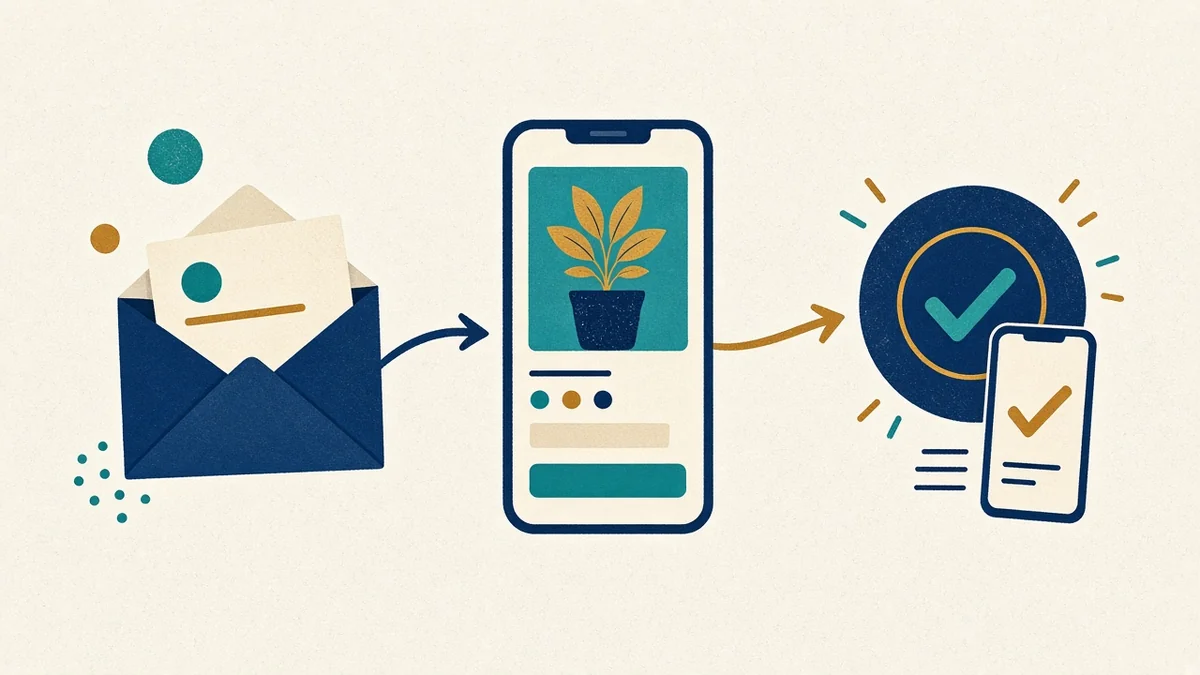 An email that excites people and then sends them to a slow homepage wastes the click. Link each offer to a page about that offer, and make it easy to act there:
- Show the price.
- Offer MTN MoMo, Telecel Cash and card payment where you sell online, through a Ghanaian gateway such as Hubtel or Paystack.
- Give a WhatsApp chat option for people who want to ask a question first.
Our guide to e-commerce websites with mobile money in Ghana explains the checkout side.
7. Measure what matters, and clean your list
Open rates are unreliable now: privacy features in some email apps load images automatically, and Google says it does not track open rates and cannot verify third-party ones (Google). Focus on:
- Clicks on your main button.
- Replies and enquiries.
- Sales you can trace to a campaign, for example with a code or a tagged link.
- Unsubscribes and spam complaints per send. If one email causes a spike, find out why.
Every few months, remove addresses that bounce and people who have not opened or clicked in a long time, after one last “Do you still want to hear from us?” email.
A starter checklist
- Choose a mailing platform and connect your own domain.
- Add the SPF, DKIM and DMARC records it gives you.
- Put a sign-up form on your website with an honest promise.
- Write a welcome email that goes out automatically.
- Plan your first three emails: one helpful, one helpful, one offer.
- Send a test to yourself on an Android phone before every campaign.
How PED Solution Studios can help
We build websites with sign-up forms, offer pages and MoMo-ready checkout, so your email clicks land somewhere that converts. Our GH₵4,499 website package includes WhatsApp chat integration, SEO, social media links, and a free domain and hosting for the first year. See our website services and digital marketing services.
Frequently asked questions
Why are my marketing emails going to spam?
The usual causes are missing SPF, DKIM or DMARC records, sending to people who did not opt in, a high spam-complaint rate, or sending from a free email address. Fix authentication first, then clean your list.
Do I need permission to email customers in Ghana?
You should only email people who agreed to hear from you. Ghana’s Data Protection Act, 2012 (Act 843) governs how personal data is collected and used. Check the Data Protection Commission for your obligations.
How often should a small business send marketing emails?
Every two to four weeks works for most SMEs. The right frequency is one you can keep with useful content each time.
Is email better than WhatsApp for marketing?
They do different jobs. WhatsApp is best for quick conversations and updates to people who know you. Email is better for longer content, receipts and a list you fully own. Most businesses should use both.
What is a good spam complaint rate?
Google asks senders to stay below 0.3% and recommends aiming under 0.1% (Google).
Want emails that turn into sales?
Book a call or send us a message, and we will check your sign-up form, landing pages and checkout.